It’s been a few years since I first released SimBuddy, my favorite tool for poking around in the Finder folders where the simulators store important things.
In that time, things have changed. The Simulator is now called a Device Hub and the icons on macOS have changed significantly. This new release addresses both of those things.
The first order of business was adapting to the new location where “On My iPhone” and “On My iPad” is stored in the Files app. If you do any kind of file import or export in your app, you’ll know how important this location is, and how hard it is to find the File Provider Storage folder.
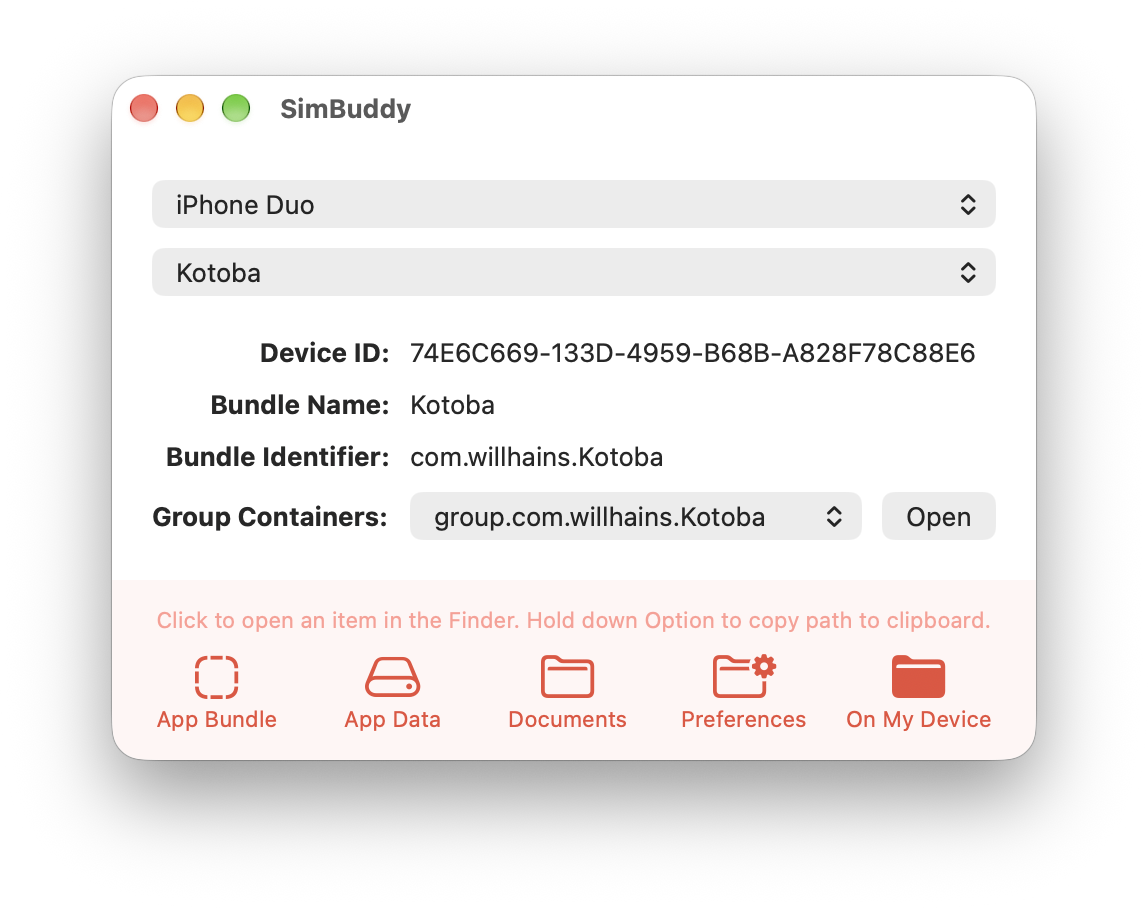
SimBuddy now uses two mechanisms to locate the folder: the original method is used for previous iPhones, and a newer method for recent devices like the iPhone Duo. All you need to do is click on the On My Device button to open it:
That was the hard part. The fun part was breaking out of squircle jail!
It was relatively easy to reproduce the Device Hub icon in Icon Composer and then give our heartthrob buddy a fancy pair of Vision Pro goggles:

Lookin’ good!
All the code is on GitHub and you can download the FREE app from the Iconfactory website. Enjoy!